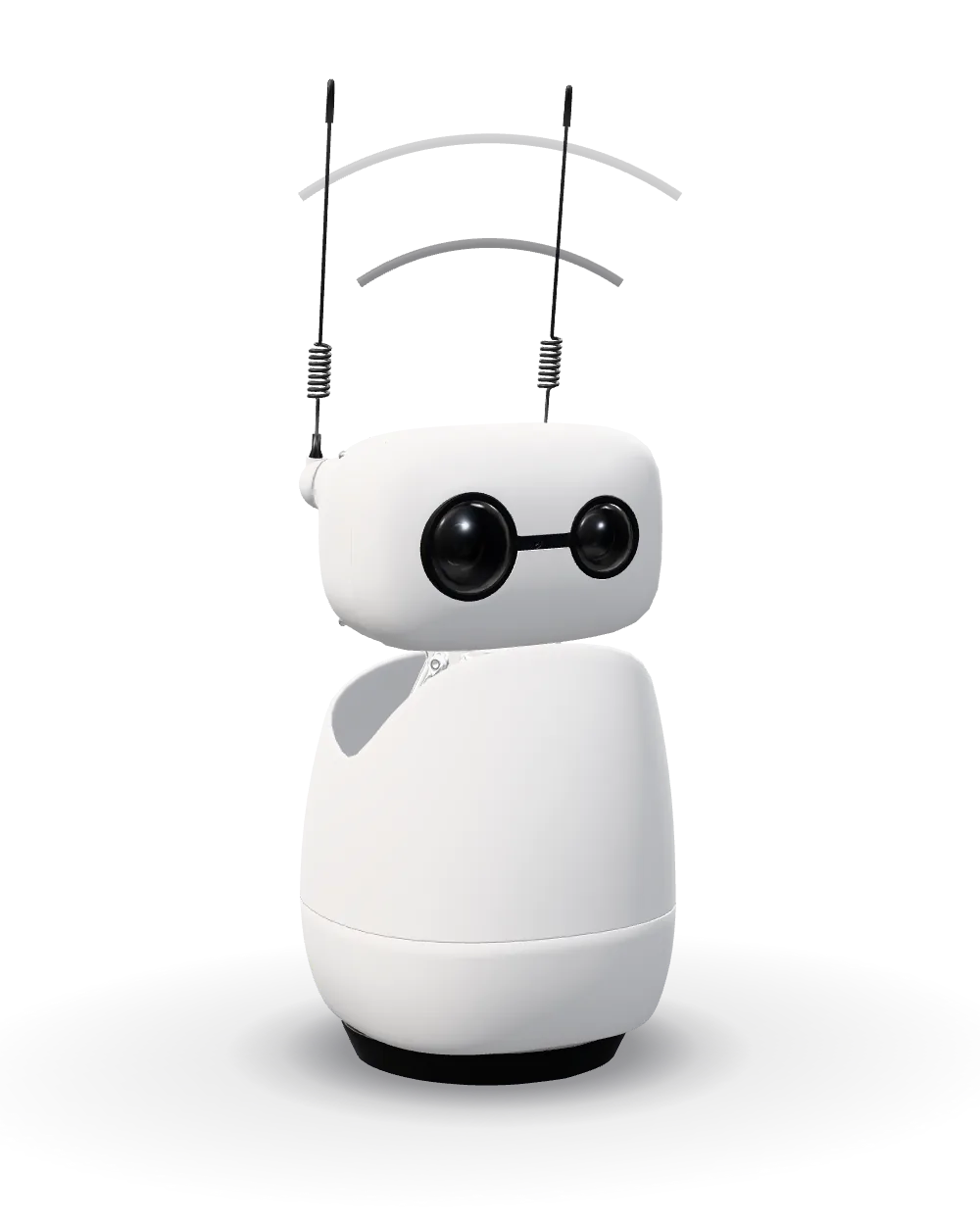
WI-FI / CM4
Reachy Mini Wireless
An onboard Raspberry Pi CM4, Wi-Fi and a built-in battery let Reachy Mini run without a separate computer. Use it on your desk or add the optional Hoverboard.
$499.00DIY kit · tools included ROBOHOME
 PRESENTS / 002
A desktop companion for conversation, creative projects and hands-on AI. Build it, try an app, then make it your own.
Choose your Reachy ↗From $399.00 · DIY kit · tools included01 / REACHY MINI
Speak, listen and watch it react. The camera, four microphones, speaker and moving antennas give your apps a physical presence.
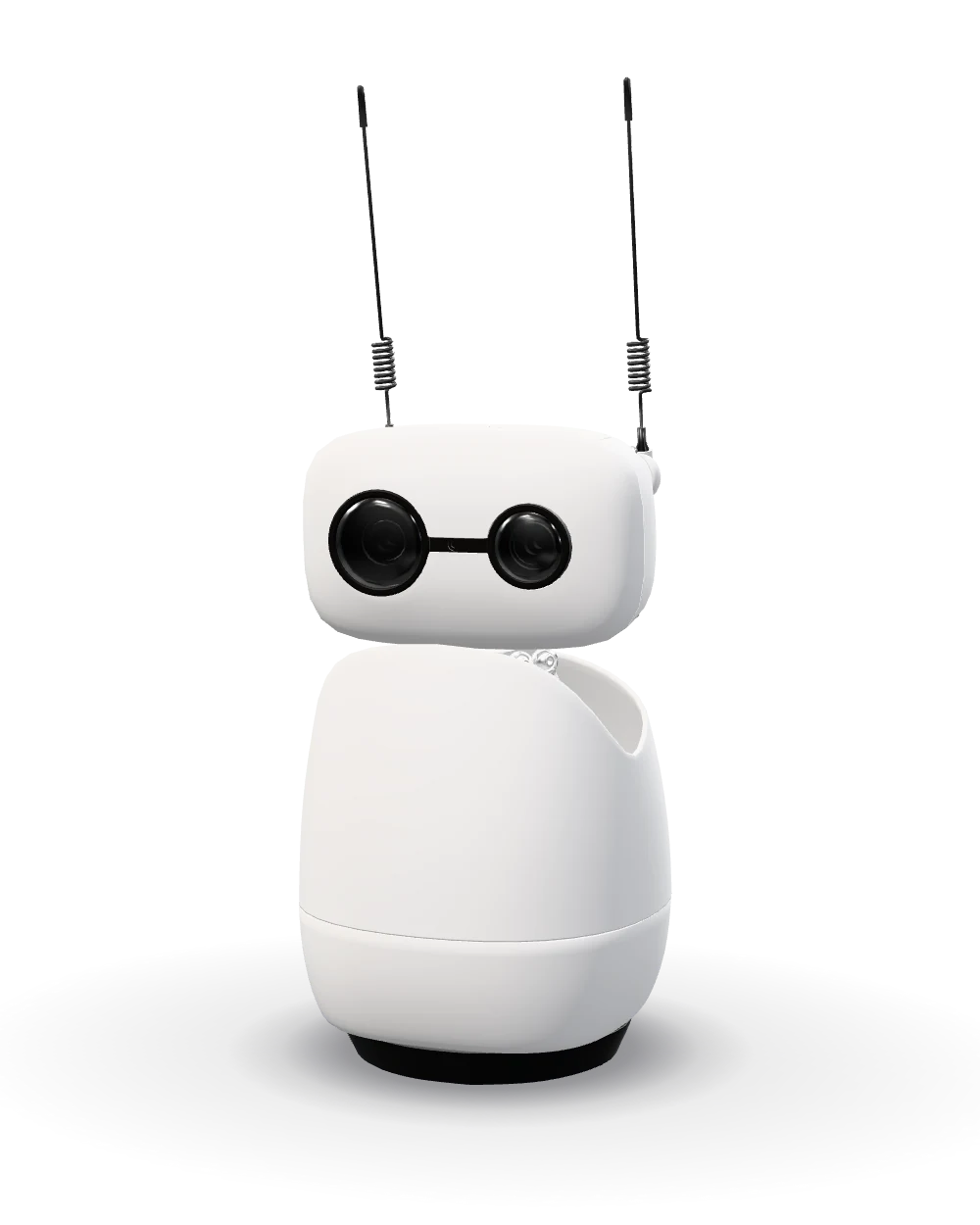
VOICE / VISION / MOTION
The Conversation app connects voice, vision and movement. Here is what happens when you start talking.
The microphones capture your voice. The app can use the camera when its camera tool is enabled.
An AI backend processes the conversation. The current official app uses Hugging Face by default; developers can connect a local backend.
The speaker plays the answer while head and antenna movements add expression. Personalities change how the conversation feels.
Features depend on the app and its setup. Wireless has its own computer, but cloud AI still needs an internet connection.
Explore the Conversation app ↗Three rotations and three translations let the head tilt, turn and shift position.
One rotating body and two independently moving antennas complete the nine-motor mechanism.
A camera, four microphones and a 5W speaker connect the robot to the room.
Raspberry Pi CM4, battery and Wi-Fi are built in. Lite uses your computer and a wall power supply.
02 / WIRELESS + LITE
The same expressive robot, with a choice of where the computing happens.
An onboard Raspberry Pi CM4, Wi-Fi and a built-in battery let Reachy Mini run without a separate computer. Use it on your desk or add the optional Hoverboard.
$499.00DIY kit · tools includedConnect over USB to a Mac, Windows or Linux computer. Your computer runs the software; the robot brings the camera, microphones, speaker and expressive movement.
$399.00DIY kit · tools includedDispatched within 14 days after payment. Transit time depends on your destination. Shipping & import duties included.
| Feature | Wireless | Lite |
|---|---|---|
| Computer | Raspberry Pi CM4 inside | Your Mac, PC or Linux computer |
| Connection | Wi-Fi | USB |
| Battery | Built in | Not included |
| Accelerometer | Built in | Not included |
| Hoverboard support | Yes | No |
Both: 9 motors · 6-DOF head · moving antennas · camera · 4 microphones · 5W speaker
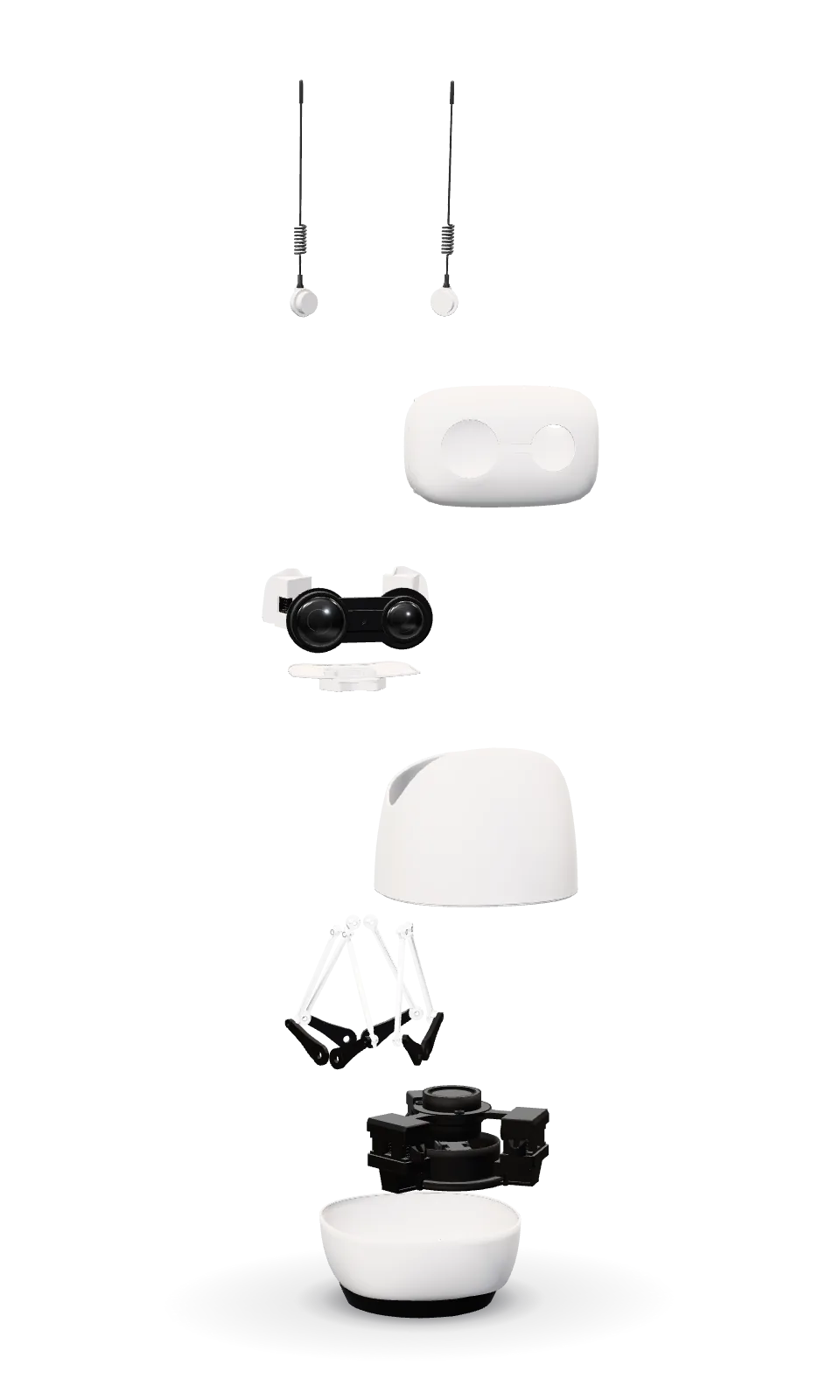
03 / DIY
Allow around 2.5 hours. Follow the illustrated guide and assembly video; no soldering or 3D printer is required.
Structure, motors, electronics and tools are included. Follow the guide when routing cables and tightening screws.
Assembly & first start ↗START HERE
Assemble either kit, then follow the connection steps for your version.
Allow about 30 seconds for the robot to start.
Download the official Reachy Mini app for iOS or Android.
Bluetooth helps the app find the robot. Follow the prompts to join Wi-Fi and sign in with Hugging Face.
Connect to your robot, start a conversation or explore the app catalogue.
Plug the supplied power adapter into a wall outlet.
Link the robot to your Mac, Windows or Linux computer.
Install the desktop app to access the launcher, settings and robot controls.
Choose an app or use the SDK. Keep your computer connected while Lite runs.
Desktop compatibility varies on ARM64 computers and some Linux distributions. Check the Lite guide; the Python SDK is an alternative.
04 / ADD SOMETHING NEW
Make room for movement, or change its character.
A ready-assembled wheeled base for Reachy Mini Wireless. Drive from the mobile app with a live camera view. The robot is sold separately. Not compatible with Lite.
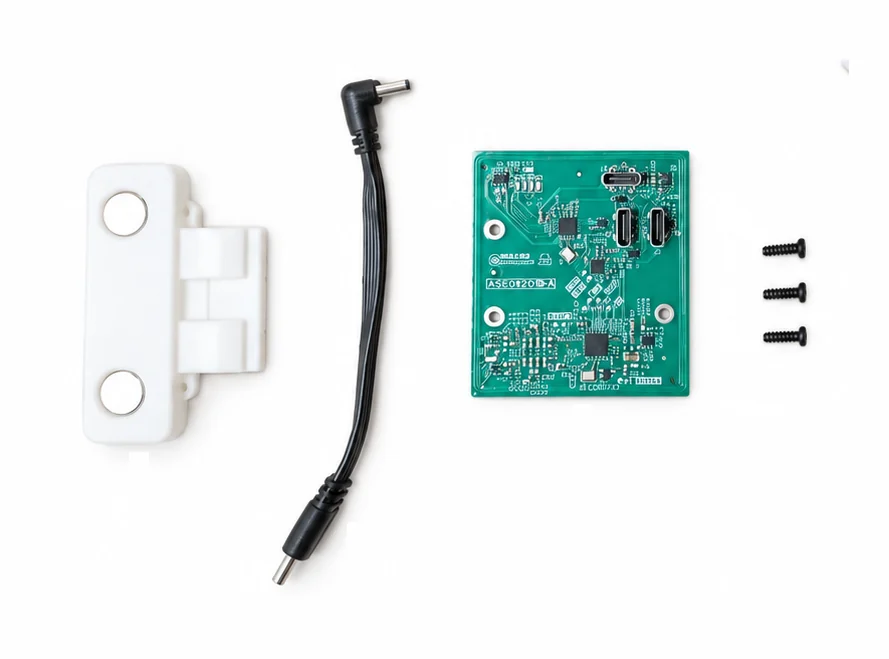
$149.00Optional · robot sold separatelyGive your robot a different character with magnetic NFC hats, or create your own interactions. Install the included NFC module inside the head. Works with Wireless and Lite; robot sold separately.
$35.00Optional · robot sold separately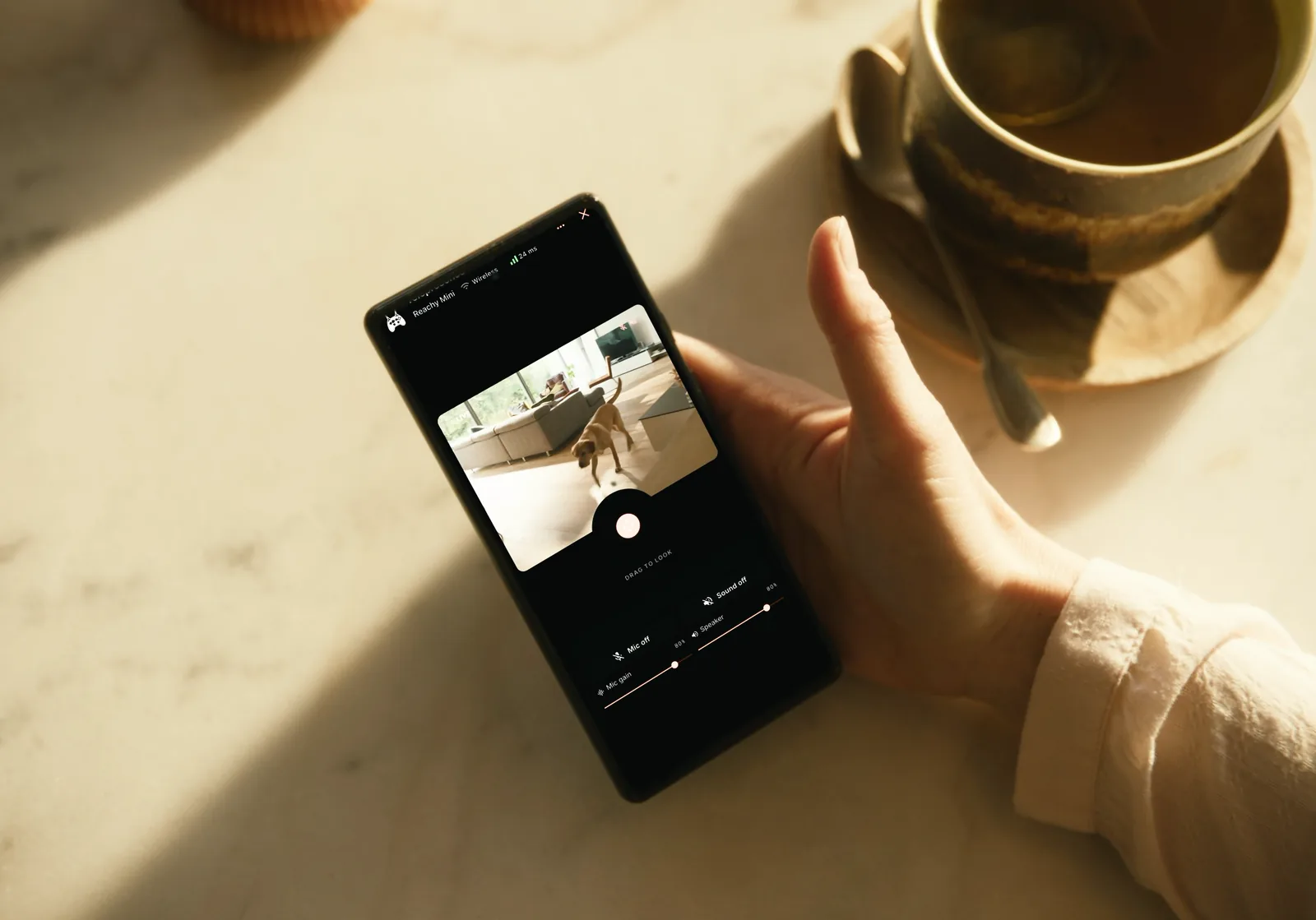
Place Wireless on the assembled base and engage the lock.
Use the phone controls and the live camera view.
The base can lower onto its supports when stopped or powered off.
Install the small NFC board inside the head.
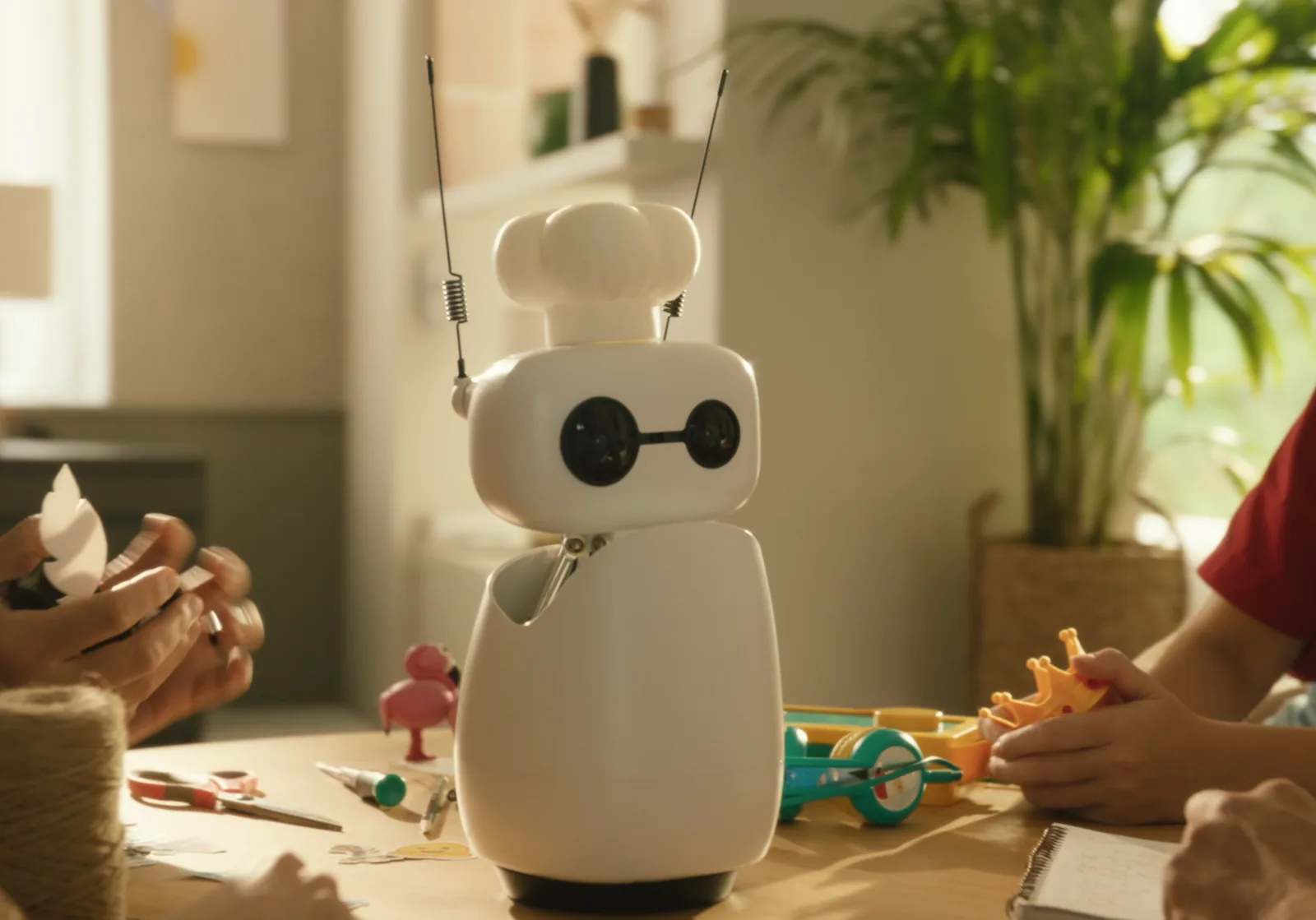
A magnetic hat carries the tag that selects its personality.
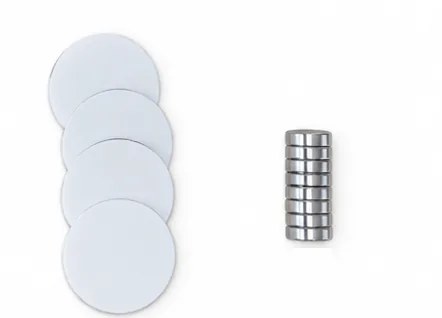
Use the extra tags and magnets to link your own objects to code or a character.
05 / APPS & IDEAS
Explore community apps for telepresence, emotions, movement and playful experiments.
Catalogue counts published by Pollen Robotics · checked November 2026. Pollen Robotics ↗
Use the camera view and robot controls for telepresence.

Choose a reaction and watch the head and antennas express it.
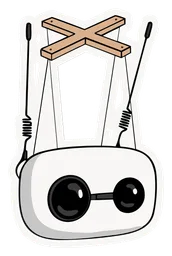
Record a movement, play it back and build a collection of gestures.

Explore Morse through taps, beeps and microphone decoding.
Talk with an AI voice and explore different personalities.
Let the robot follow your hand movements in real time.
Play radio through the robot’s speaker.
Reachy Mini Control can install supported apps from Hugging Face. Browser apps open as a web page and connect to the robot. Each app explains its own connection and service requirements.
RECORD / REPLAY / SHARE
A glance, a nod or a dance becomes something you can record, replay and share.
Explore the community gallery and choose a reaction to try on your robot.
Use Marionette to capture a movement and replay it.
Publish recordings as Hugging Face datasets so other Reachy Mini owners can use them.
06 / OPEN SOURCE
Use the Python or JavaScript SDK, build with an AI coding assistant, or record a movement with Marionette. The open-source software gives you room to experiment.
Use the linked app creator to explain the behaviour you want in a chat.
Preview the generated app with your connected robot, then refine it.
Publish when it works, so the community can try it too.
Build browser experiences with the JavaScript SDK, or use Python for robot control. Explore camera, audio and movement APIs. MuJoCo simulation lets you prototype before connecting hardware.
Feature guides and app links: Pollen Robotics and the official Reachy Mini documentation. Developer documentation ↗
FAQ
Yes. Wireless and Lite are DIY kits. Most builds take around 2.5 hours; tools and instructions are supplied. The Hoverboard arrives assembled.
There is no direct upgrade between the two versions: their electronics differ. Choose Wireless if standalone operation or the Hoverboard matters to you.
You can start with existing apps. The SDKs and developer tools are available when you want to build your own behaviours.
The current official Conversation app uses Hugging Face by default without requiring a separate API key. Other apps and AI providers can have their own accounts, usage limits or charges. Check the app’s current requirements.
Wireless means it has an onboard computer, battery and Wi-Fi. Cloud conversations, downloads and online services need internet access. Local behaviours depend on the app and its setup; developers can configure a local AI backend.
Yes for the Wireless setup described by the manufacturer: the iOS or Android app connects the robot to Wi-Fi. Lite needs a separate computer and wall power.
It depends on the app. Reachy Mini Control supports installed apps, while web apps run in a browser and connect to Reachy Mini. Follow the instructions for the app you choose.
RoboHome dispatches these products within 14 days after payment. Delivery transit time varies by destination. Shipping and import duties are included in the displayed price.
Hoverboard works only with Reachy Mini Wireless. The NFC Accessory Pack works with both Wireless and Lite. Microduck packs are for Microduck.
RoboHome · Sold by
KORDON NATALIA
18 Rue De La Dalbade, 31000 Toulouse, France
info@microduck-robotics.com
+33 7 46 35 49 10
Dispatched within 14 days after payment. Transit time depends on your destination.
Consumer returns within 14 days of delivery. Free return shipping; see the return conditions.
REACHY MINI / ROBOHOME
From $399.00 · Shipping & import duties included.